


 +61 452 331 613
  Pearl Plaza, Dien Bien Phu, Phuong 21, Quan Binh Thanh


美洲数据中心
在美洲 7 个以上国家提供数百万个全新 IPv4 地址
Locations: Buenos Aires – Argentina
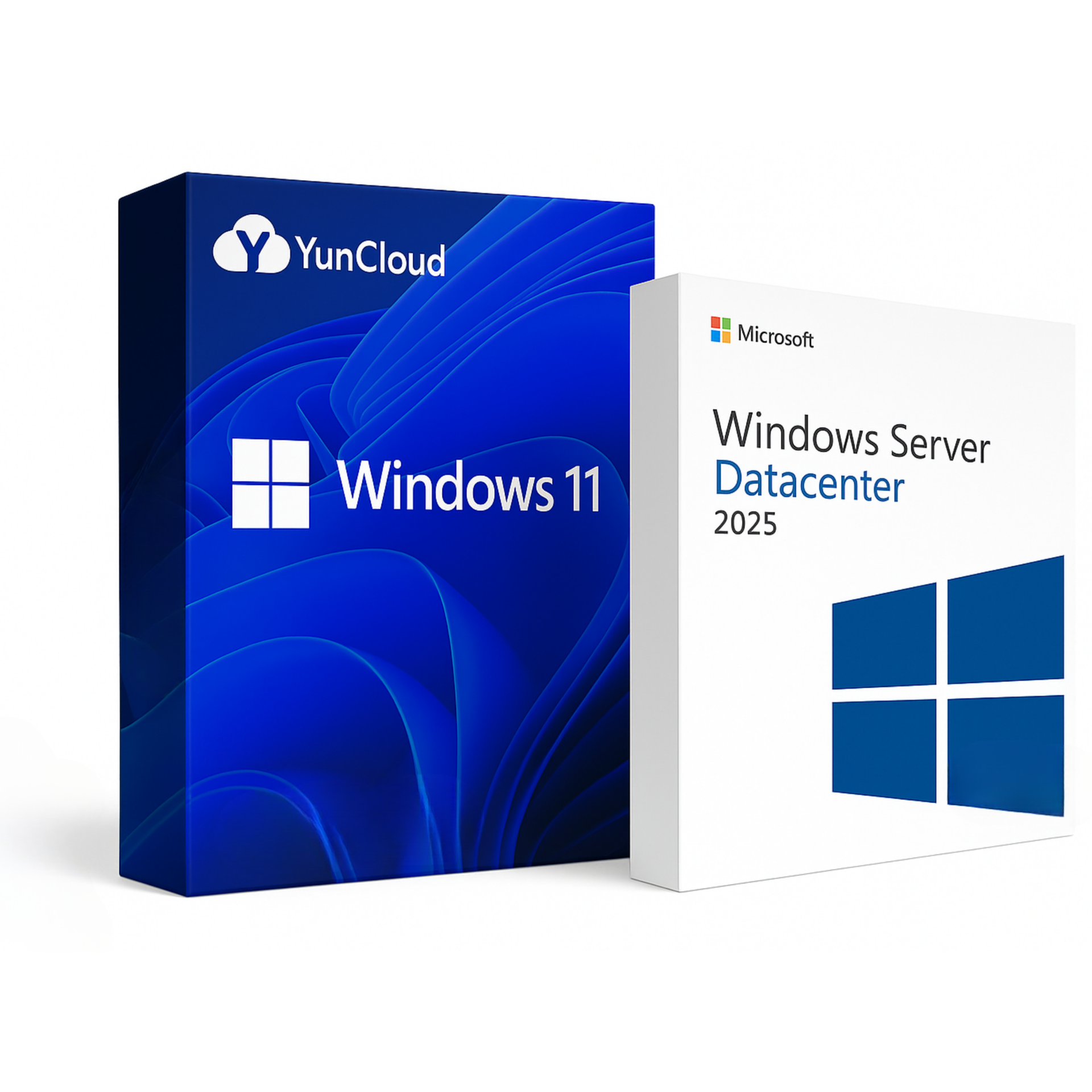
Operating system: Windows 10 Enterprise, Windows 11, and Windows Server editions including 2012, 2016, 2019, 2022, and 2025.
Linux distributions such as Ubuntu, Debian, CentOS, Rocky Linux, Alunix, and more.
Fully automated setup with no hidden fees. Enjoy blazing-fast performance and full control with 24/7 expert support.

Get full control of your Argentina VPS — reinstall OS, change IP, restart server, and automatically fix errors from your dashboard.

Our Argentina VPS uses NVMe SSDs for ultra-fast boot times, stable connectivity, and top-tier performance on both Windows and Linux OS.

High-speed bandwidth up to 1 Gbps. Dedicated IPv4 in major Argentina cities. Easily switch regions when needed.

24/7 support via Skype, Telegram, Messenger, or Live Chat — always here when you need us.

Linux
 1 vCPU – Intel / AMD EPYC
2 GB RAM
50 GB NVMe SSD
1 TB Bandwidth
1 vCPU – Intel / AMD EPYC
2 GB RAM
50 GB NVMe SSD
1 TB Bandwidth
Linux / Windows
2 vCPU – Intel / AMD EPYC
4 GB RAM
50 GB NVMe SSD
1 TB Bandwidth
Linux / Windows
4 vCPU – Intel / AMD EPYC
8 GB RAM
50 GB NVMe SSD
2 TB Bandwidth
Linux / Windows
8 vCPU – Intel / AMD EPYC
16 GB RAM
50 GB NVMe SSD
2 TB Bandwidth
Linux / Windows
16 vCPU – Intel / AMD EPYC
32 GB RAM
50 GB NVMe SSD
4 TB Bandwidth
A step-by-step guide to help you set up and manage your VPS smoothly.

您可以通过上传 ISO 文件自行安装 Windows,但流程较复杂。因此,我们提供的所有 VPS 套餐均已预装 Windows 系统。
您只需在下单时选择想要的 Windows 版本,我们会为您部署对应版本的 VPS。
非常简单:在本地电脑打开“远程桌面连接”,输入我们提供的 IP 地址、用户名和密码即可登录。
使用 PowerShell 一键完成:
1. 准备命令:
Net User Administrator 新密码
把 “新密码” 换成您想设置的密码。
2. 复制该命令,登录 VPS 后打开 PowerShell,右键粘贴并回车。
3. 出现 “命令已成功完成” 即修改成功。
您可像在本地电脑一样,在 VPS 内点击“重启”;也可以登录我们官网的控制面板一键重启。
建议至少完成以下三步:
1. 修改默认密码。
2. 更改默认 RDP 端口。
3. 定期对本地电脑杀毒,防止键盘记录器窃取 VPS 密码。

迈克尔-汤普森
客户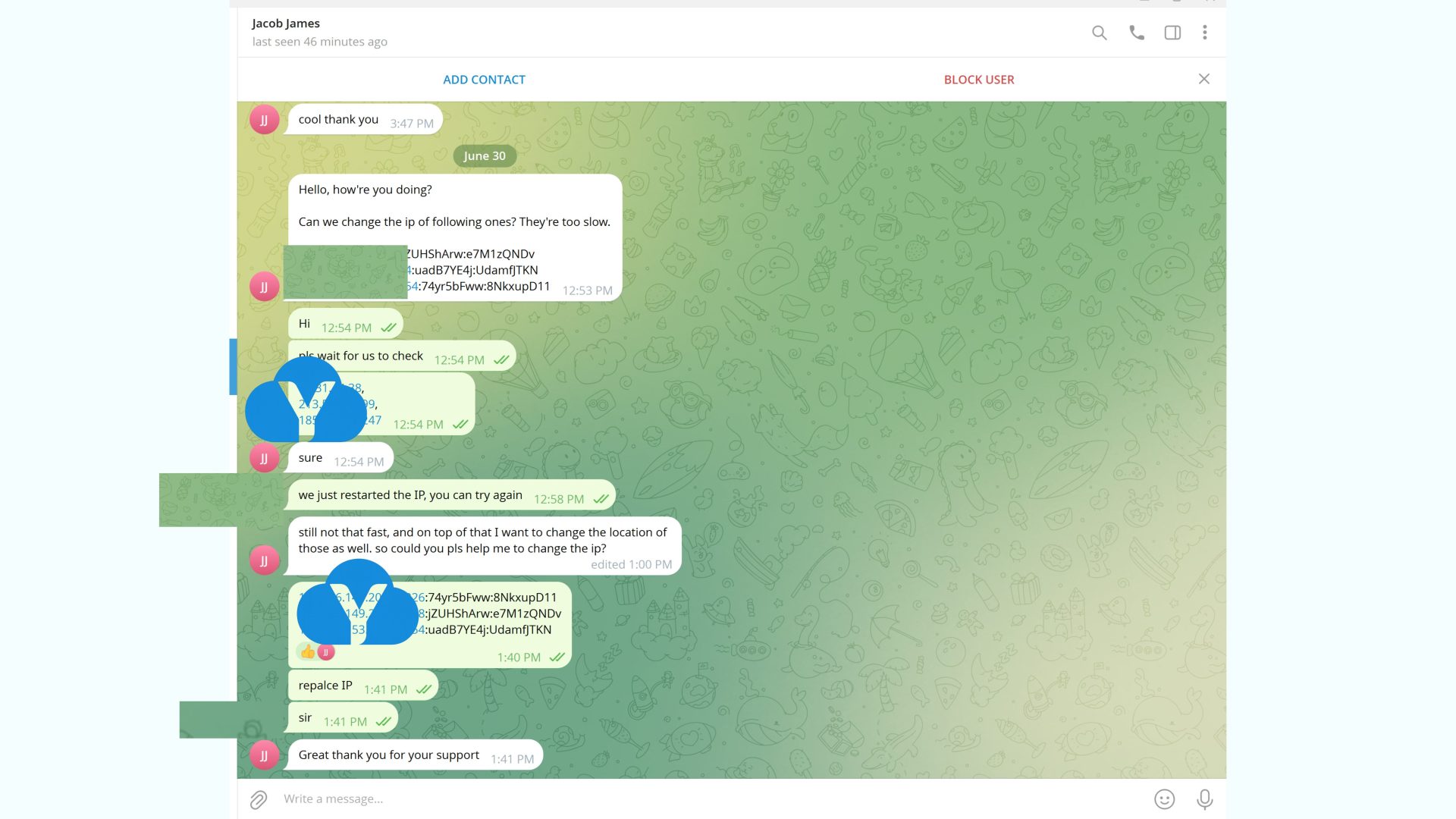
艾米莉-约翰逊
客户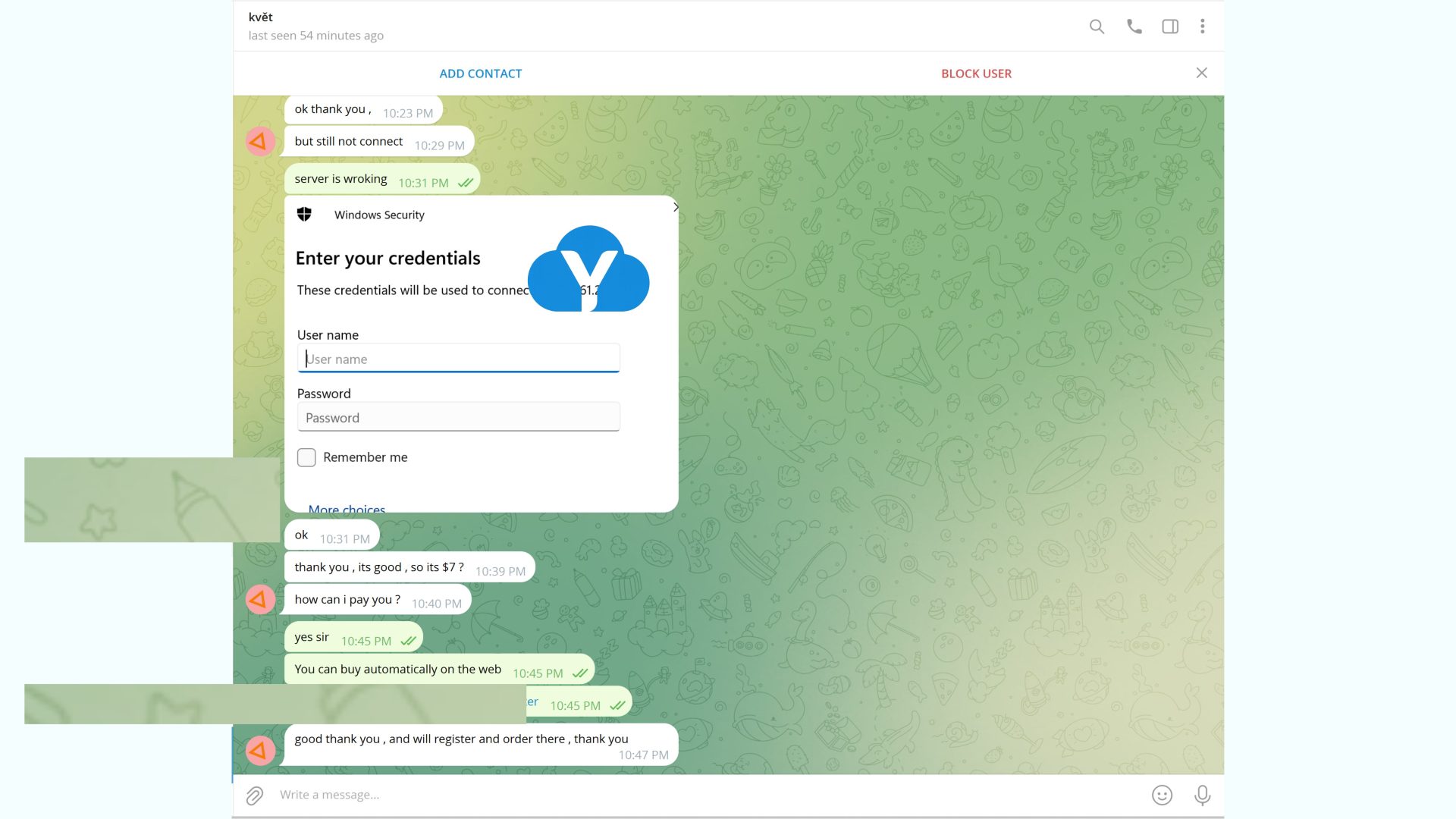
戴维-米勒
客户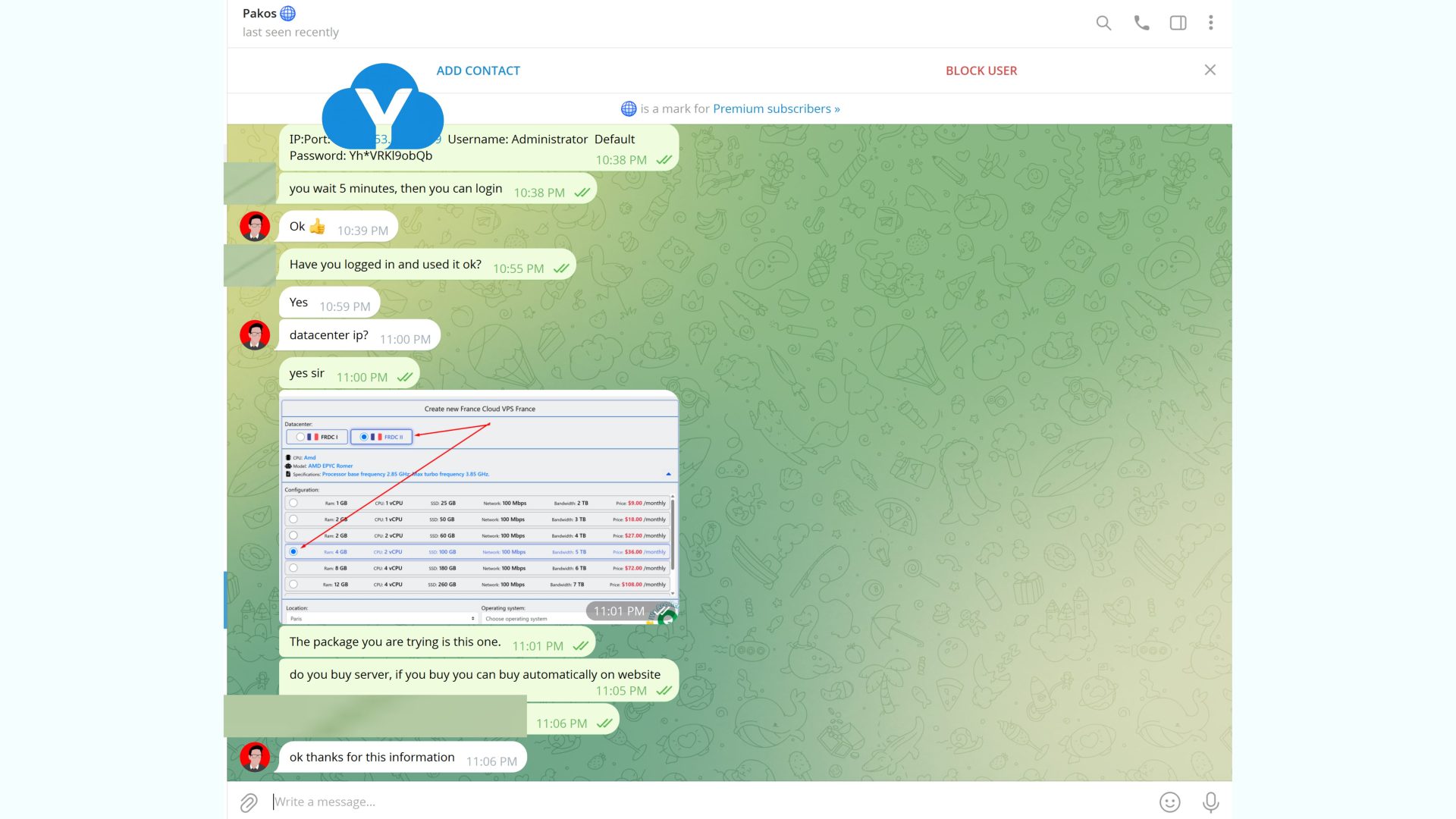
索菲亚-威尔逊
客户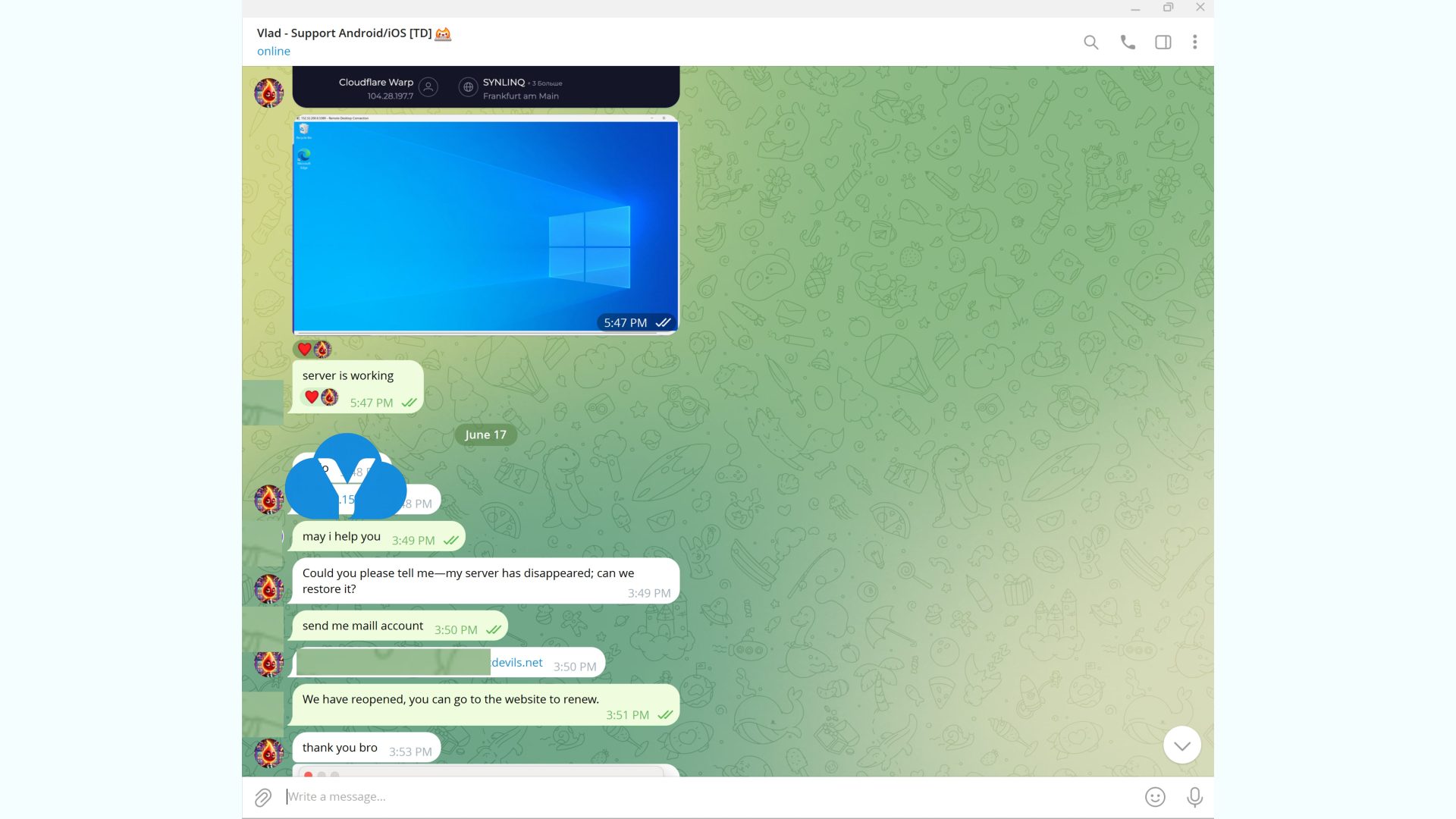



在美洲 7 个以上国家提供数百万个全新 IPv4 地址

在欧洲35个以上国家提供数百万个全新 IPv4 地址

在亚洲20 个以上国家提供数百万个全新 IPv4 地址。

在非洲3 个以上国家提供数百万个全新 IPv4 地址。

在澳大利亚2个以上国家提供数百万个全新 IPv4 地址。