



 168 Yeung Uk Road, Tsuen Wan, Hong Kong
 Americas Datacenters
Providing millions of new IPv4 addresses across 7+ countries in the Americas.
Info contact





Using a VPN, you can safely connect to any website, even if it is blocked in your country. Your internet traffic is protected from surveillance, and your data is encrypted, preventing it from being intercepted by intruders.




Customer happy


Take care of premium customers directly via Skype, Telegram, Messenger or Livechat.
Take care of premium customers directly via Skype, Telegram, Messenger or Livechat.
Take care of premium customers directly via Skype, Telegram, Messenger or Livechat.
Take care of premium customers directly via Skype, Telegram, Messenger or Livechat.
Can’t find the answer you’re looking for?
You can install the Windows operating system on a VPS by uploading an ISO file. However, this process can be complicated. Therefore, all VPS plans we provide come with a pre-installed Windows operating system.
You can choose the Windows version you want to install, and we will provide you with the appropriate VPS configured with that Windows version.
It’s simple. Just open the Remote Desktop Connection app on your computer, then enter the IP address, username, and password provided for your Windows VPS to connect.
Changing the Windows VPS password is very simple, you can do it very quickly using the PowerShell command as follows:
1. Prepare a PowerShell command:
"Net User Administrator YourNewPassword"
Replace “YourNewPassword” with your password.
2. Copy the PowerShell command line above and Paste it to VPS’s PowerShell.
Go to Windows VPS, tap the Start button, open PowerShell, RIGHT click to PowerShell to paste the command line you just copied.
3. Change password successfully when the message “The command completed successfully” appears
You can restart your Windows VPS using the Restart option within the VPS interface, just like on your computer. Alternatively, you can also restart your VPS from our website dashboard.
There are many ways to secure your Windows VPS, usually, we would recommend that our customers do the following to secure VPS:
1. Change the default password for Windows VPS.
2. Change the default RDP port.
3. Periodically scan viruses on the computer to avoid the Keyloger software stealing VPS passwords.

Michael Thompson
Customer
Emily Johnson
Customer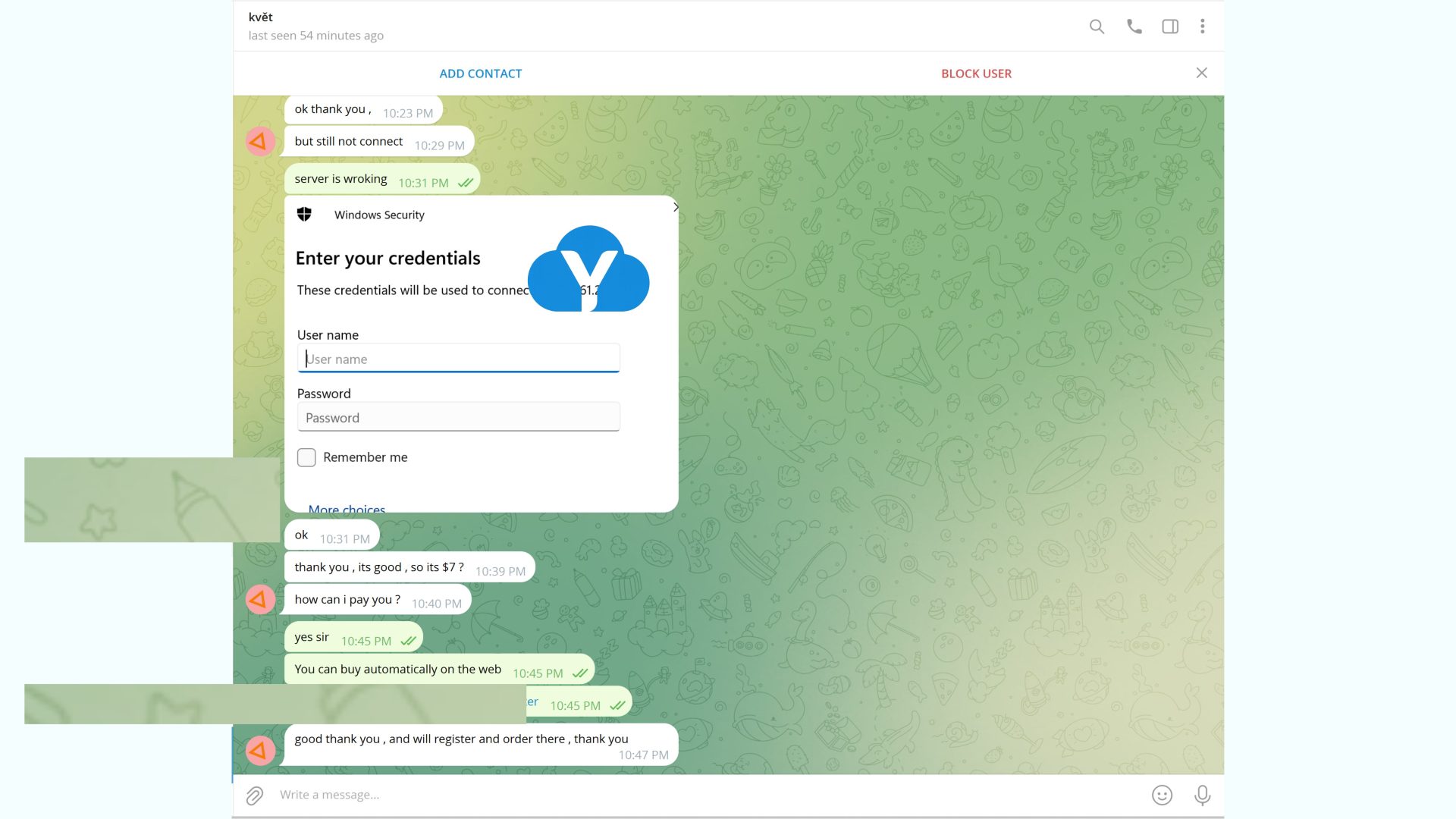
David Miller
Customer
Sophia Wilson
Customer




Providing millions of new IPv4 addresses across 7+ countries in the Americas.

Providing millions of new IPv4 addresses across 35+ countries in the Europe.

Providing millions of new IPv4 addresses across 20+ countries in the Asia.

Providing millions of new IPv4 addresses across 3+ countries in the Africa.

Providing millions of new IPv4 addresses across 2+ countries in the Australia.