



 168 Yeung Uk Road, Tsuen Wan, Hong Kong
 Americas Datacenters
Providing millions of new IPv4 addresses across 7+ countries in the Americas.
Info contact



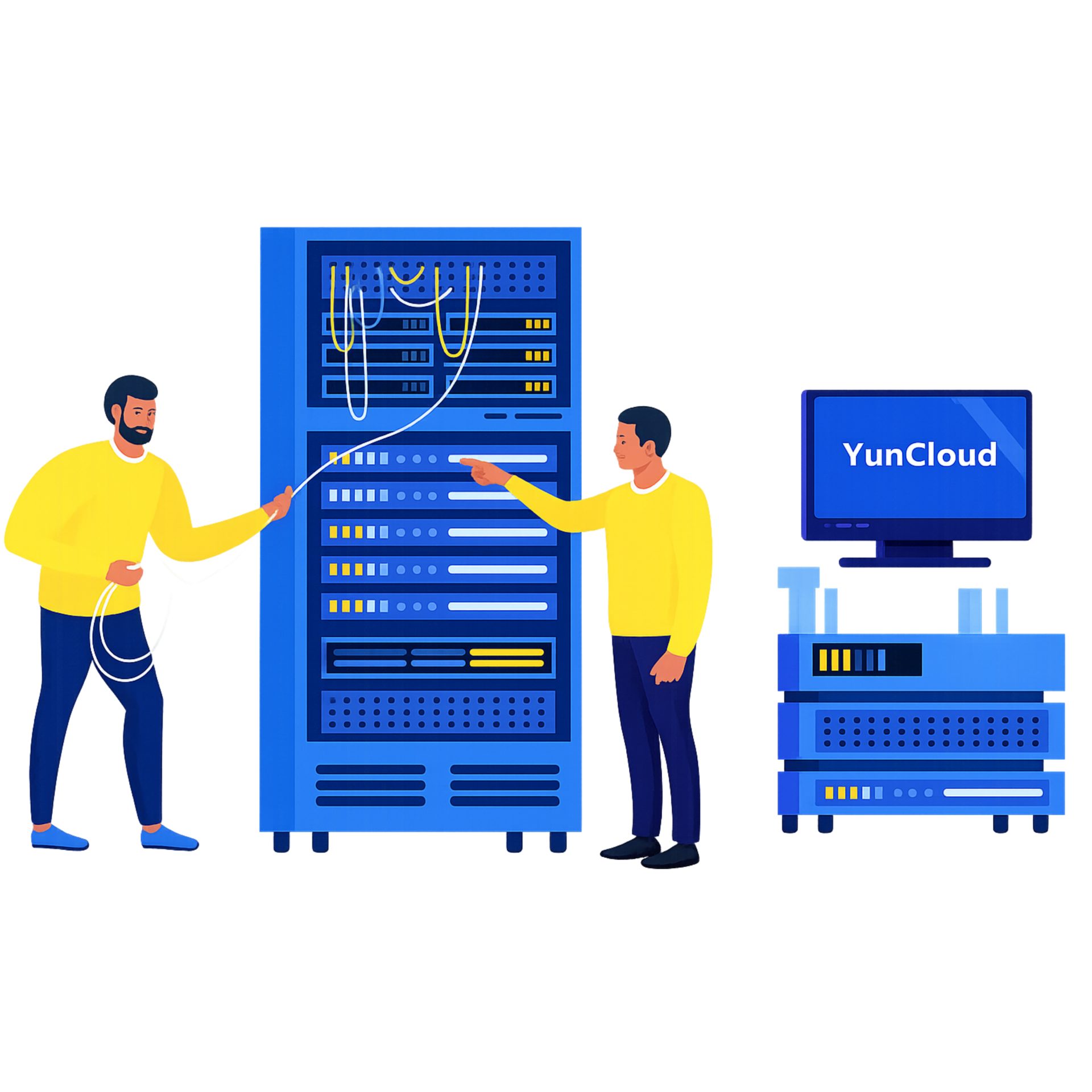

 A trusted Partner Since 2015

Enterprise-grade servers across distributed datacenters
SLA-backed performance for cloud compute and storage
Fast and secure VMs — deployed for clients worldwide

Over 10 Years of Trusted Expertise


Fully automated provisioning for both VPS and Proxy services.

Global infrastructure with enterprise-grade uptime & stability.

Direct premium support via Telegram, Skype, Messenger, or Livechat.
Choose the continent closest to your audience to maximize performance. Our servers are strategically deployed in premium data centers worldwide, ensuring ultra-low latency, high availability, and consistently reliable connectivity for all your workloads.
Plans starting from just $7/month
Plans starting from just $8/month
Plans starting from just $8/month
Plans starting from just $9/month
Plans starting from just $8/month
Built on world-class infrastructure and cutting-edge technology partnerships, we collaborate with top experts in virtualization, security, networking, and server hardware to offer robust, scalable VPS & proxy services.








Trusted worldwide for performance and reliability — YunCloud delivers secure VPS and proxy solutions backed by robust infrastructure and expert support.

Tier III+ data centers with redundant power, cooling, and network paths ensure maximum uptime and reliability.

Powered by enterprise-grade CPUs, NVMe SSDs, and optimized networking for ultra-low latency.

Full root access, OS customization, scalable plans, and easy API integration for ultimate freedom.

Dedicated technical experts available around the clock to assist you — fast, friendly, and efficient.
Trusted by thousands of users worldwide for fast, reliable, and secure VPS & Proxy services.

Modern virtualization technology helps VPSBarato initialize VPS/Proxy service in just 1 minute

With more than 40 locations in countries and territories, VPSBarato meets all customer needs

The firewall system is regularly updated to help protect the system from the risk of cyber attacks

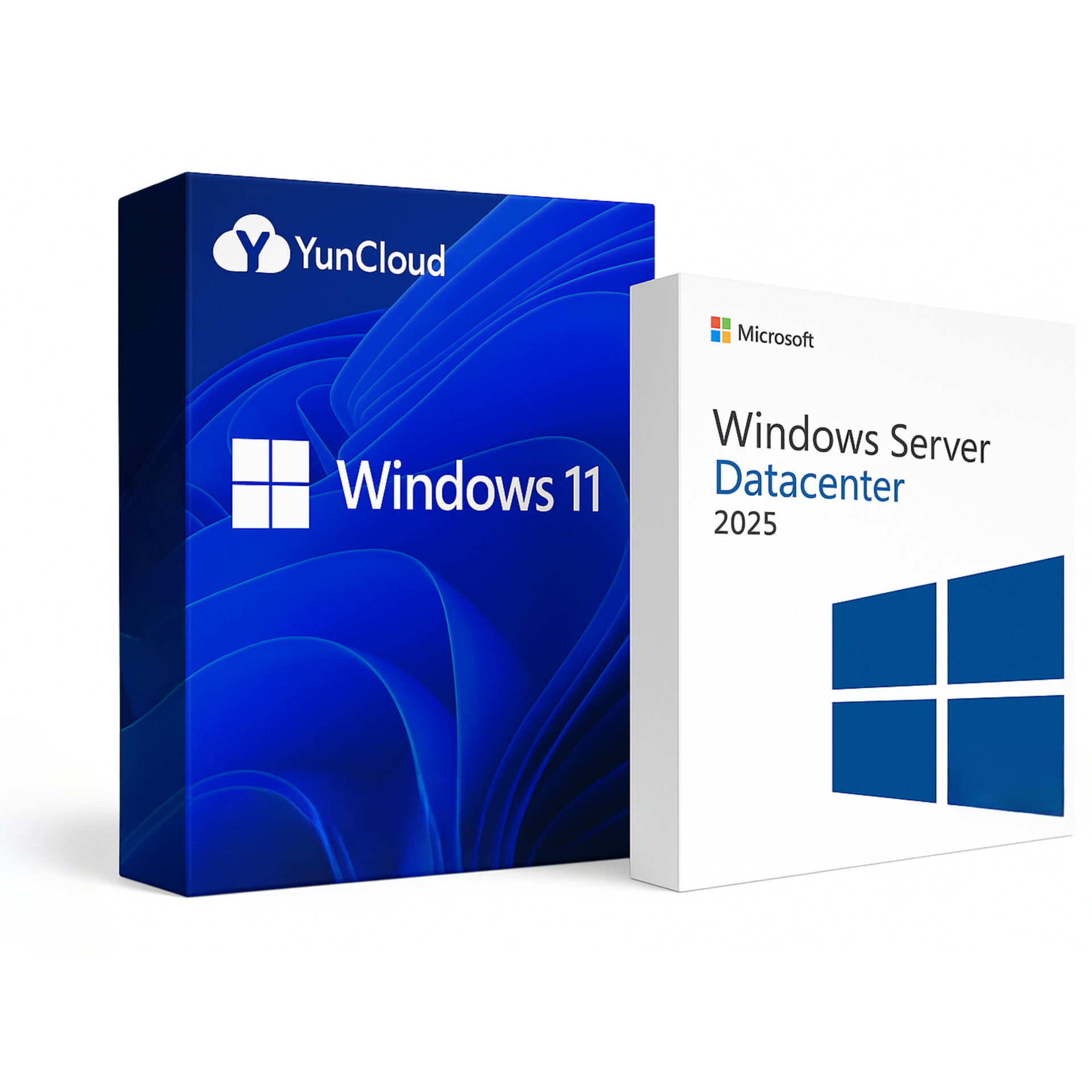
All YunCloud VPS services come pre-installed with Windows and Linux operating systems ready to use
Can’t find the answer you’re looking for?
You can install the Windows operating system on a VPS by uploading an ISO file. However, this process can be complicated. Therefore, all VPS plans we provide come with a pre-installed Windows operating system.
You can choose the Windows version you want to install, and we will provide you with the appropriate VPS configured with that Windows version.
It’s simple. Just open the Remote Desktop Connection app on your computer, then enter the IP address, username, and password provided for your Windows VPS to connect.
Changing the Windows VPS password is very simple, you can do it very quickly using the PowerShell command as follows:
1. Prepare a PowerShell command:
"Net User Administrator YourNewPassword"
Replace “YourNewPassword” with your password.
2. Copy the PowerShell command line above and Paste it to VPS’s PowerShell.
Go to Windows VPS, tap the Start button, open PowerShell, RIGHT click to PowerShell to paste the command line you just copied.
3. Change password successfully when the message “The command completed successfully” appears
You can restart your Windows VPS using the Restart option within the VPS interface, just like on your computer. Alternatively, you can also restart your VPS from our website dashboard.
There are many ways to secure your Windows VPS, usually, we would recommend that our customers do the following to secure VPS:
1. Change the default password for Windows VPS.
2. Change the default RDP port.
3. Periodically scan viruses on the computer to avoid the Keyloger software stealing VPS passwords.

Michael Thompson
Customer
Emily Johnson
Customer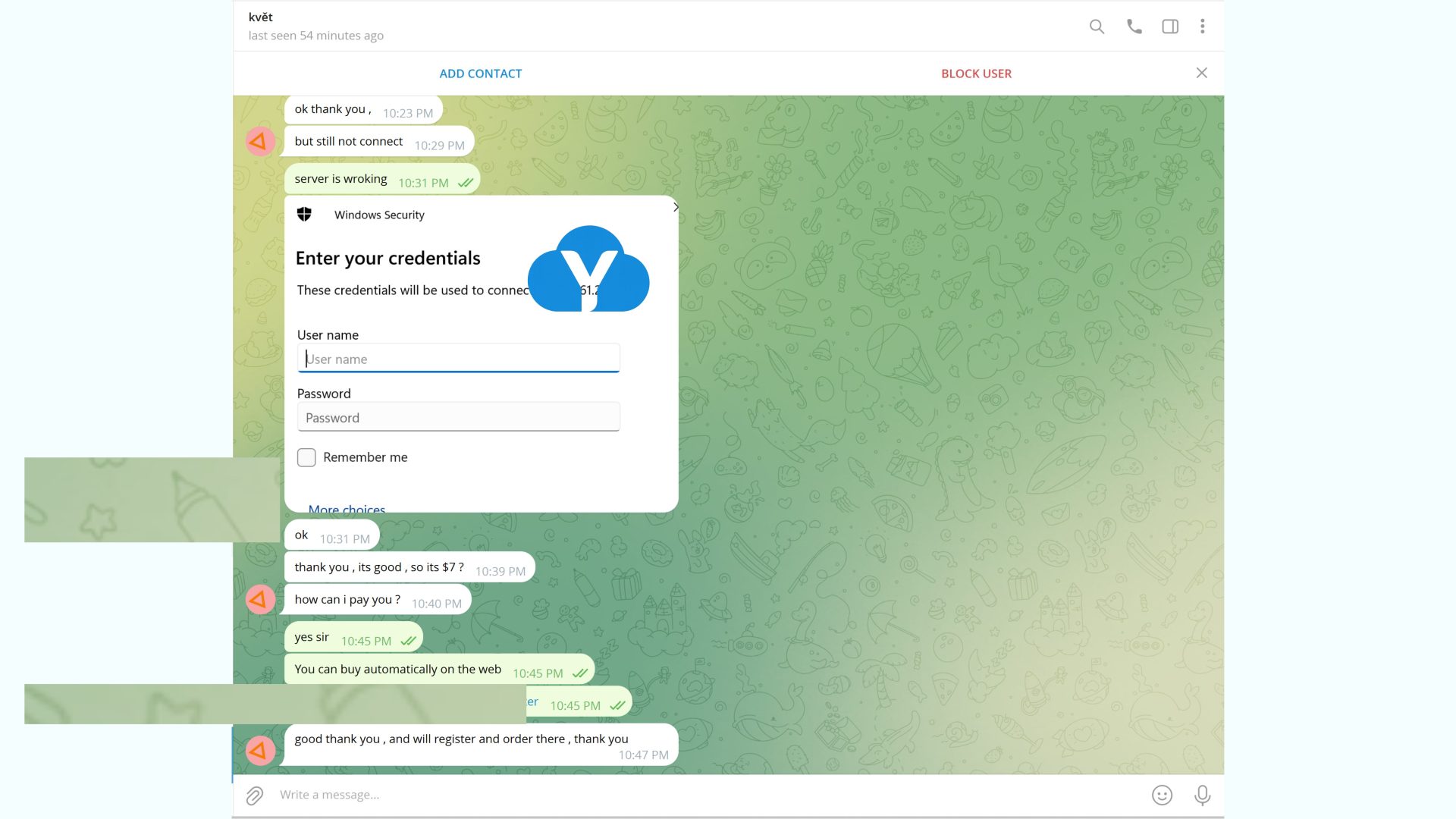
David Miller
Customer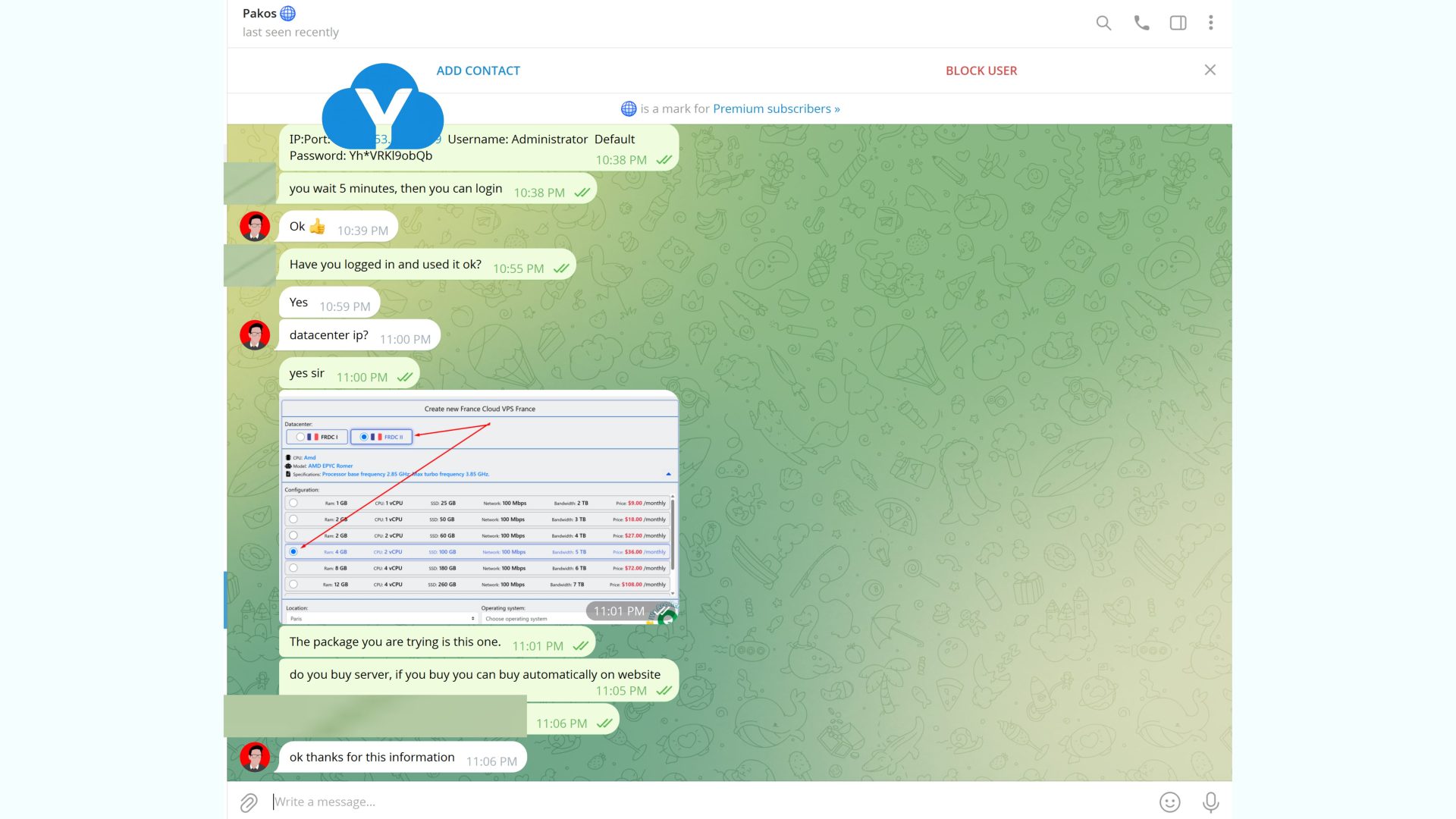
Sophia Wilson
Customer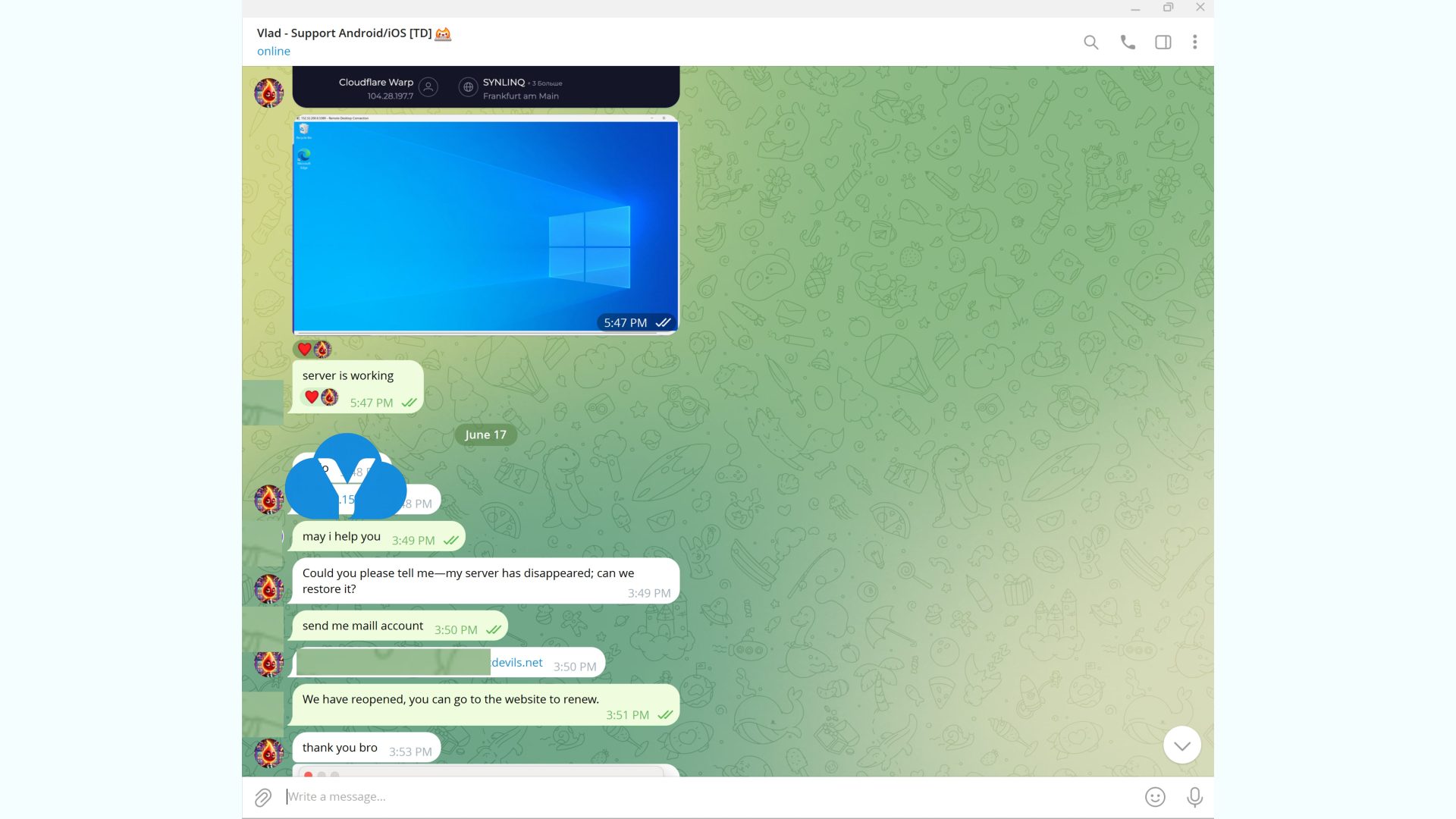



Lorem ipsum dolor sit amet, consectetur adipiscing elit. Donec ullamcorper mattis lorem non. Ultrices praesent amet ipsum justo massa. Eu dolor aliquet risus gravida nunc at feugiat consequat purus. Non massa enim vitae duis mattis. Vel in ultricies vel fringilla.

Lorem ipsum dolor sit amet, consectetur adipiscing elit. Donec ullamcorper mattis lorem non. Ultrices praesent amet ipsum justo massa. Eu dolor aliquet risus gravida nunc at feugiat consequat purus. Non massa enim vitae duis mattis. Vel in ultricies vel fringilla.
Lorem ipsum dolor sit amet, consectetur adipiscing elit. Donec ullamcorper mattis lorem non. Ultrices praesent amet ipsum justo massa. Eu dolor aliquet risus gravida nunc at feugiat consequat purus. Non massa enim vitae duis mattis. Vel in ultricies vel fringilla.

Lorem ipsum dolor sit amet, consectetur adipiscing elit. Donec ullamcorper mattis lorem non. Ultrices praesent amet ipsum justo massa. Eu dolor aliquet risus gravida nunc at feugiat consequat purus. Non massa enim vitae duis mattis. Vel in ultricies vel fringilla.

Lorem ipsum dolor sit amet, consectetur adipiscing elit. Donec ullamcorper mattis lorem non. Ultrices praesent amet ipsum justo massa. Eu dolor aliquet risus gravida nunc at feugiat consequat purus. Non massa enim vitae duis mattis. Vel in ultricies vel fringilla.

Providing millions of new IPv4 addresses across 7+ countries in the Americas.

Providing millions of new IPv4 addresses across 35+ countries in the Europe.

Providing millions of new IPv4 addresses across 20+ countries in the Asia.

Providing millions of new IPv4 addresses across 3+ countries in the Africa.

Providing millions of new IPv4 addresses across 2+ countries in the Australia.